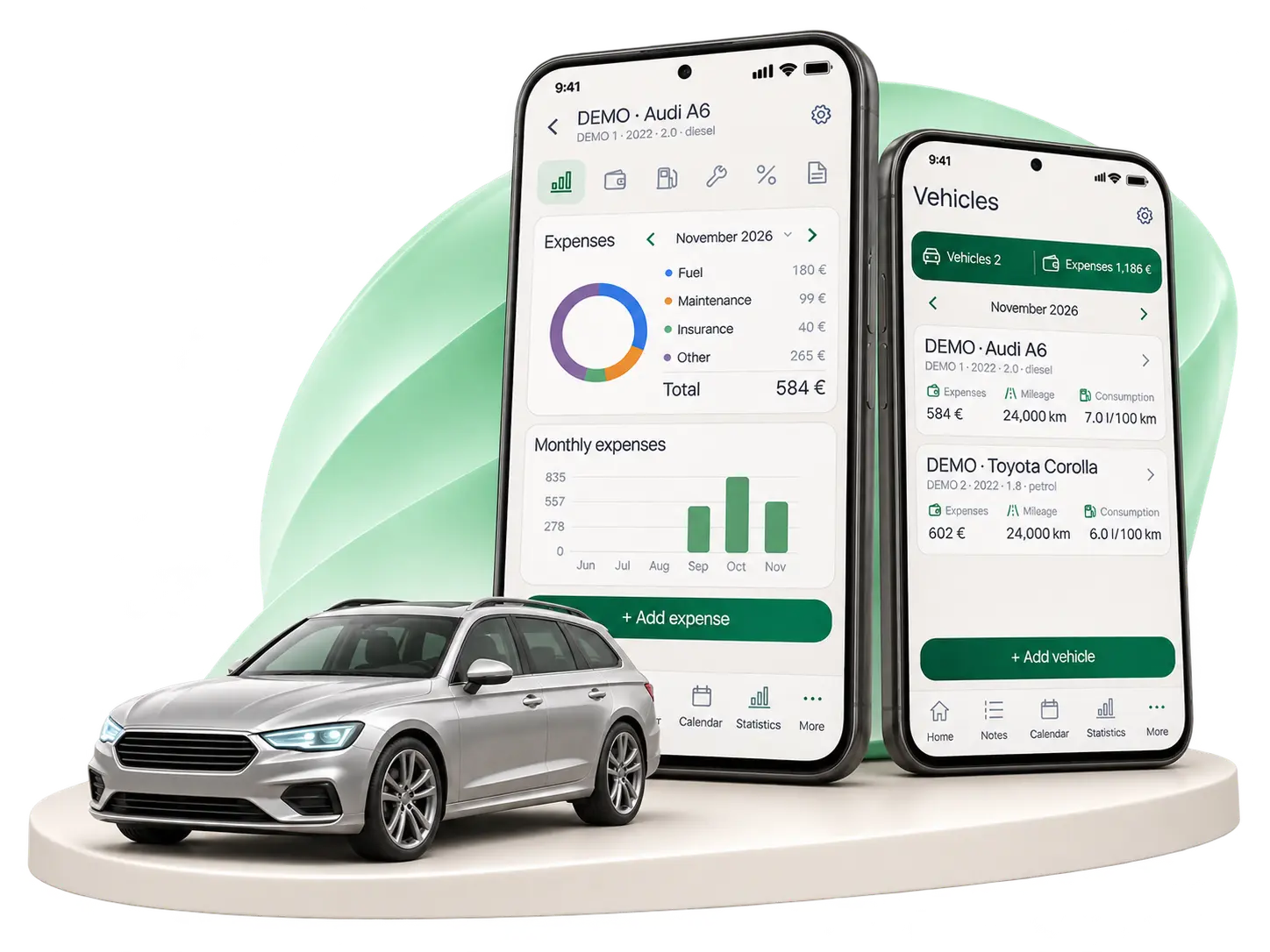
Fuel purchases, fuel economy and spending trends in one place.
Consumption in l/100 km
Calculated between full tanks or estimated from recorded fuel purchases.
Average price per litre
Litres, amount paid and fill-up history.
Fuel cost per kilometre
Calculated from recorded fuel purchases and distance driven.
Monthly expense comparisons
Category chart, history and monthly chart.
6 months12 monthsAll time
What expenses can I record?
Fuel, insurance, repairs and maintenance, tyres, parking, car washes, tolls, loans / leasing and other car expenses.
Each entry stores the date, amount, category and description. Entries can be edited.
How can I compare car expenses by category?
Select your car folder on the main Statistics page to see category amounts and percentages, changes from the previous period and your largest expenses.
When there are enough entries, you will see trends, growing categories and an approximate forecast for the current month.
How can I see how much my car costs each month?
Record fuel, insurance, repairs, tyres, parking and other costs in your car folder. Select a month to see the totals of the expenses you entered. In the main statistics, choose the car folder to compare category totals, their shares and the change from the previous period. The results depend on how completely you record your expenses.
Never miss an important deadline.
Vehicle inspections, insurance and servicing. Reminders based on dates and recorded mileage.
Vehicle inspection
Oil change
30 days before · 7 days before · On the due date
How do maintenance reminders work?
Choose a date, mileage threshold, reminder time and repeat interval: every 6 months, every year, every 2 years or your own interval.
When you mark a task as completed, enter its date and cost. The amount is added to repairs and maintenance expenses, and a new due date is created for recurring tasks.
Mileage reminders use the odometer reading entered in the app.
Car documents. In one place.
Contracts, warranties, invoices and other documents — with expiry reminders.
Insurance
Lease agreement
Service invoices
Warranties
What can I store and share?
Add PDFs, photos or scan a document with your phone. A document can have several attachments; the scanner can create a PDF with up to 50 pages.
Enter a name, seller or contracting party, dates and notes. For warranties, you can add a model, serial number, product photo and purchase receipt.
Expiry reminders: on the expiry date or 7, 30 or 60 days before. Files can be opened and shared using apps on your phone.
Leasing and PDF
Payments planned. History saved.
The monthly payment is automatically added to expenses.
A detailed PDF report with charts, fill-ups and expense history.
PDF export — PROHow are leases and loans tracked?
Choose a lease or car loan, then enter the bank / company, monthly payment and end date. Payments are automatically recorded as expenses on the 1st of each month; you can pause them.
These are accounting entries — no money is taken from your bank account.